Office chair at the TV? Keep HaloShort favorites straight
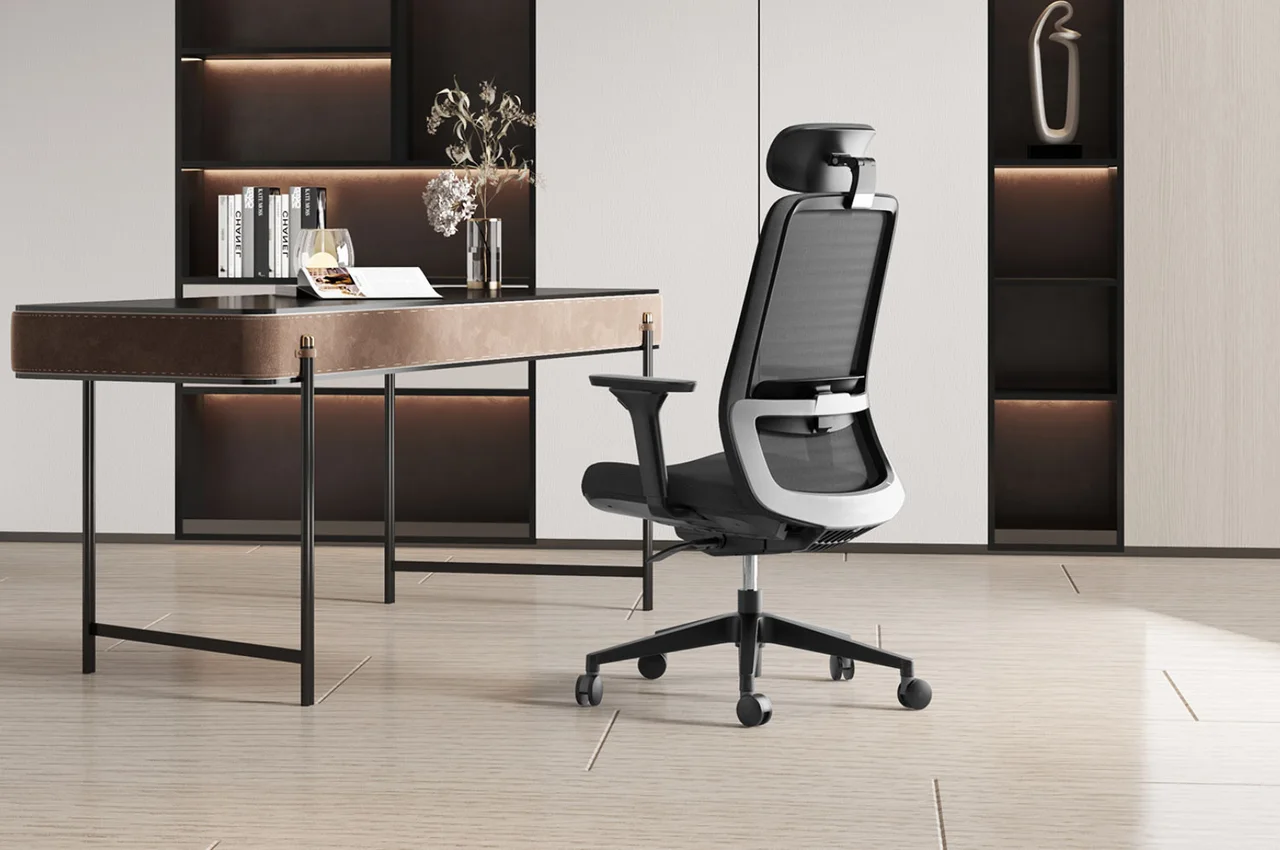
The office chair faces the desk during the day and may be pulled toward the TV at night. The seat can change hands, but favorites and progress on the shared TV aren't separate for each person. A saved title alone doesn't tell everyone which episode to resume.
Favorites hold the titles, episode counts hold your place
HaloShort offers local favorites and watch progress. When you find a story you want to watch, you can favorite it first; once you've watched a few episodes, remember the title and which episode you stopped at. The former makes titles easy to find, the latter makes it easy to pick the story back up—different purposes.
When family members watch the same drama on the same TV, if someone who comes later keeps playing, the current record may get pushed forward. Favorites on a shared device shouldn't be understood as each person's private watchlist. When you sit back down in the office chair, checking the episode count first is more straightforward than seeing unfamiliar characters and only then guessing how many episodes you missed.
Watching together vs. watching separately—say it clearly at the start
If you plan to follow a drama together, wait until everyone is seated before starting; if you have to step away midway, pause first. If another person wants to continue, you can agree that each person keeps track of their own episode count. When office-style desks and chairs move into the home, positions and purposes can rotate, but watch records won't automatically separate just because someone different sits in the chair.
Keeping track of which episode you're on is enough—no need to turn everyday drama watching into a complicated spreadsheet. Noting only the cover or list position may be harder to identify after a few days; the full title will be easier to find.
Is it the seat that changes, or the device running the app?
If you still use the same TV, the local records stay on that device; if you switch to another TV, don't expect favorites and progress to sync automatically. For first-time setup, you can search HaloShort in the Emotn store and confirm compatibility based on your TV or box's Android system requirements.
Its content is currently free to watch. It's fine if family members prefer to watch separately—just be clear about the titles and episode counts, and it becomes easy to sort out who gets the office chair and which part the TV picks up from.